Best to double check
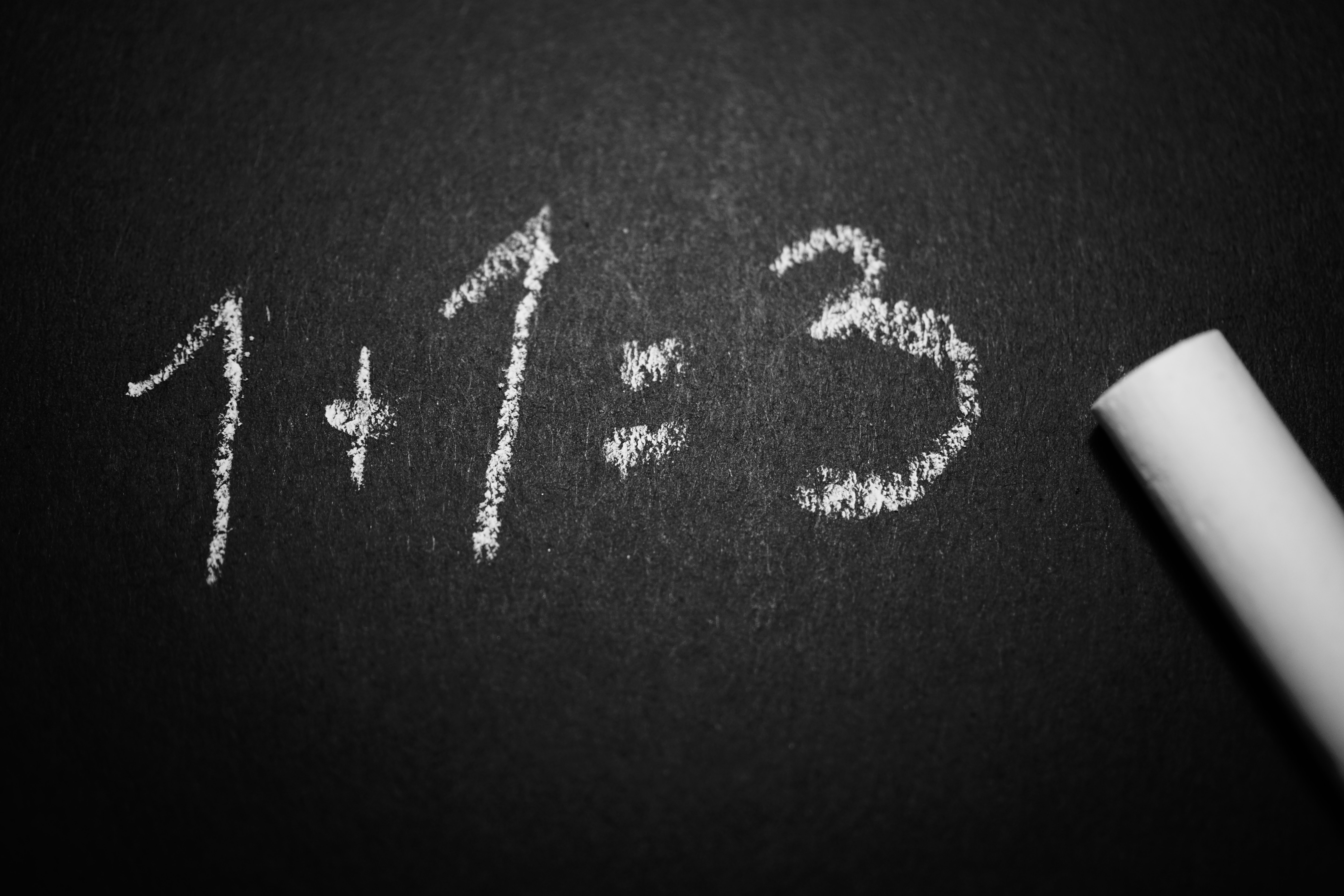
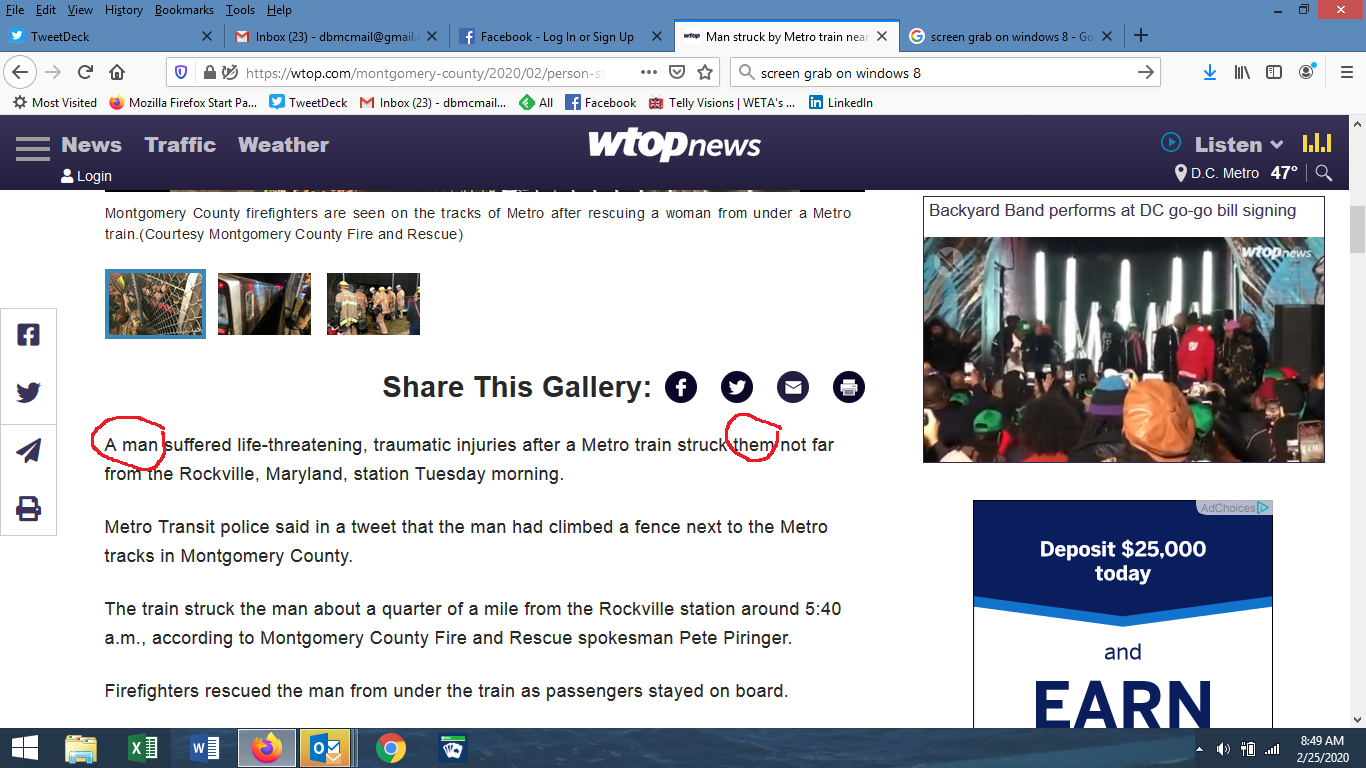
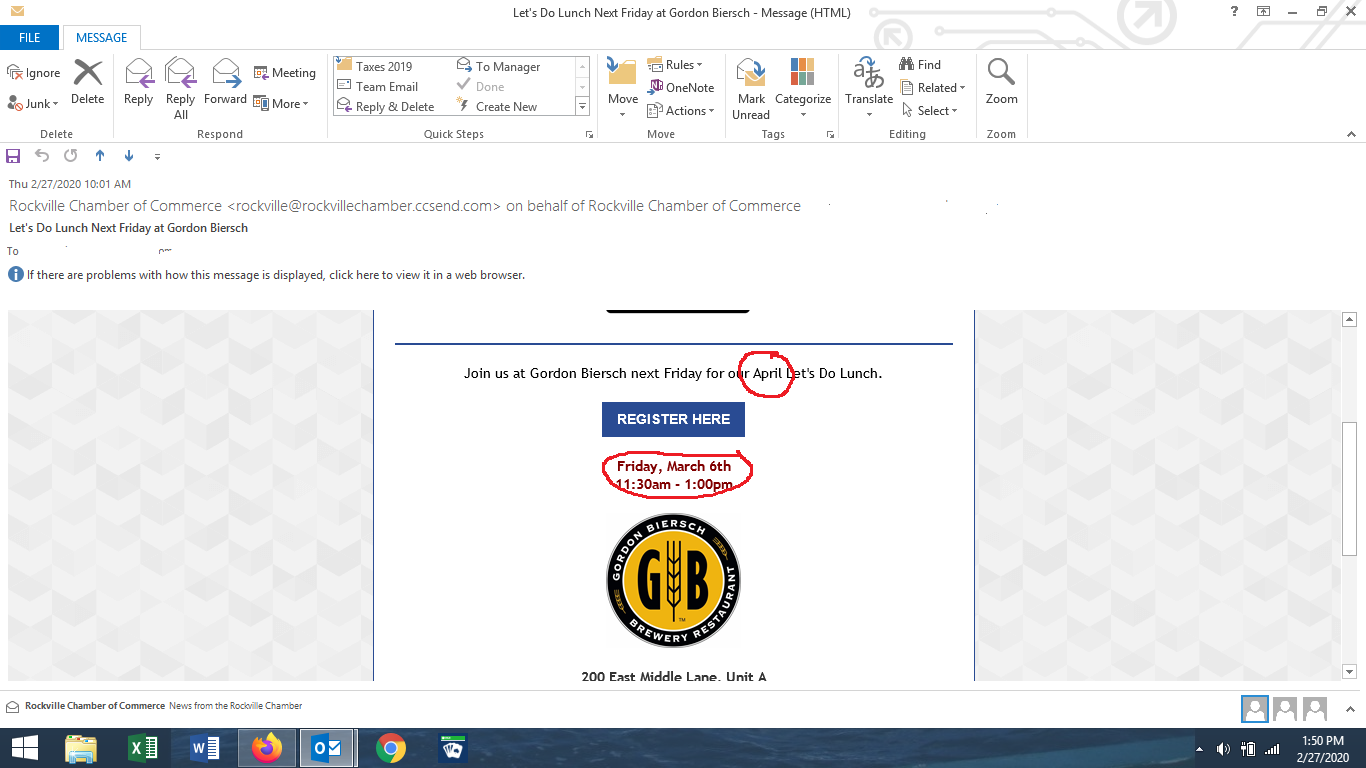
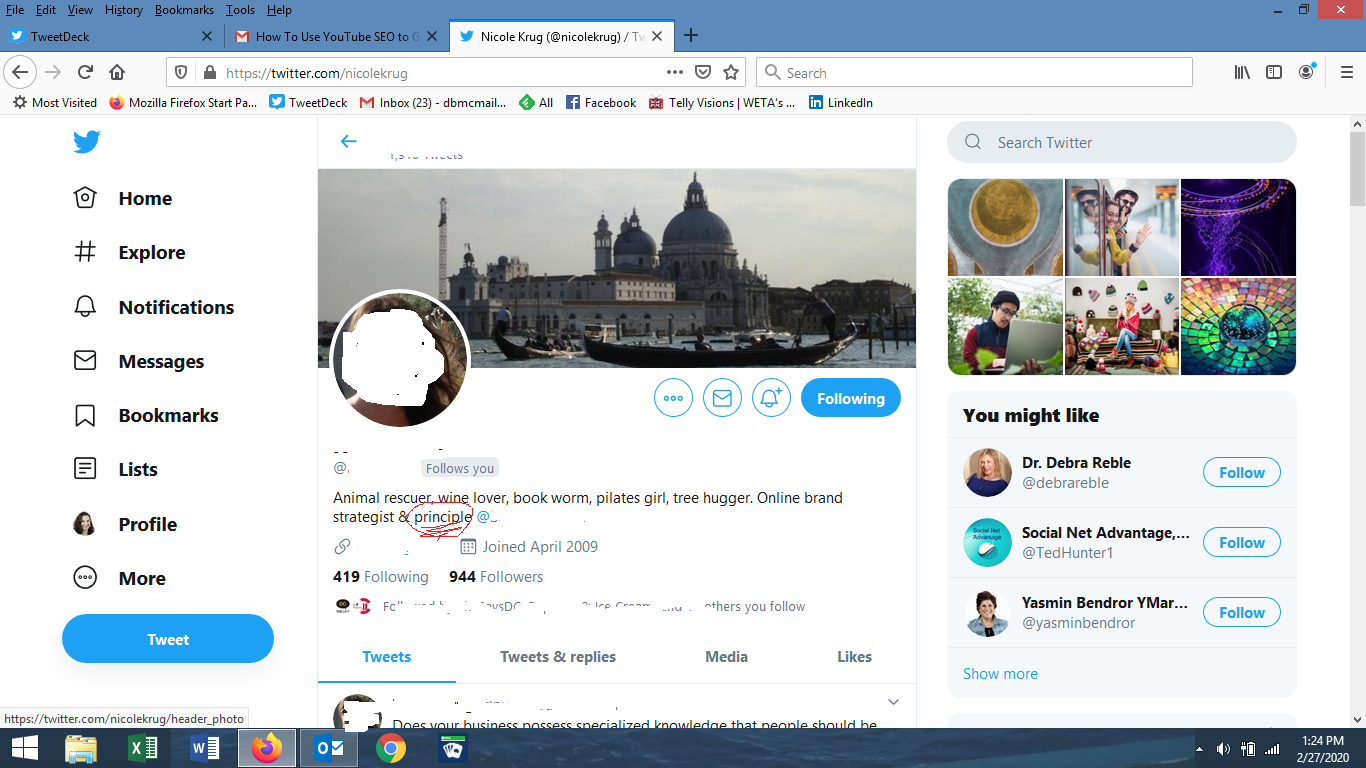
If you’ve ever sent an email or posted something quickly, without reading it over, you know what can happen. Mistakes happen. Mistakes such as typos, grammatical errors, wrong subject lines, etc.
That’s why it is always best to double check.
It’s so easy to overlook stuff when you are in any kind of hurry. Just the other day, I went to gym wearing two different shoes. I was on auto pilot, and didn’t even bother to check whether they were from the same pair (they are the same brand, size, and style, but different colors). I didn’t notice until I was walking into the gym. Had I taken a couple of seconds to look down before I left the house, I would have noticed my mistake right away.
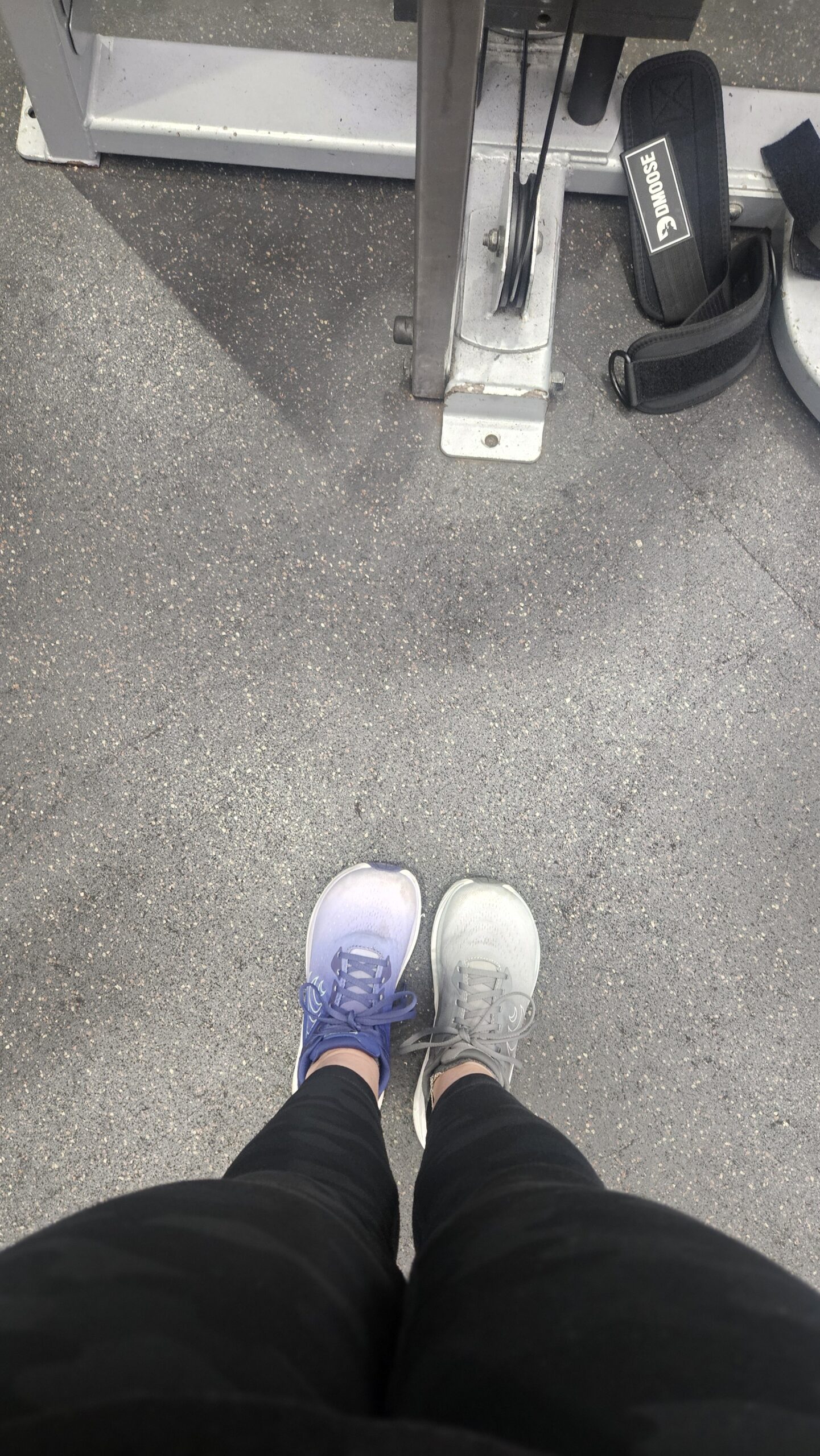
Of course, wearing different shoes is not the end of the world, even if it does look a bit odd. However, not double checking can result in more serious mistakes. Take for example what happened to this website just recently. After updating WordPress a few weeks ago, my website “broke.” Apparently, the update wasn’t compatible with the theme, and I ended up having to hire a web developer to find and correct the issue. Initially, the assessment was it would take four hours of development work to isolate and fix the problem. In actuality, the whole process took two weeks, mainly because this developer didn’t double check their work before sending it to me for approval. Instead, I’d go to the staging site and find error messages right there, in plain sight. No coding experience needed. Had anyone taken even a cursory glance at their work, this would have not happened.
There’s an old saying: haste makes waste. If you are hurrying so much that you don’t bother to check everything looks okay, you will make mistakes. And that can cost you.
We’ve all seen it. Subject lines that don’t correlate to the email content. Typos in the headline. Missing information.
Sometimes you have to slow down, take an extra minute and look carefully at whatever it is you are doing. It’s easy to overlook things and make mistakes if you are in a hurry. And often you can’t see your errors. That’s why if it is important (e.g., something that will be published), you should take some time before sending it out to the world. Better yet, you should have someone else check what you are doing since that other person will come to it with fresh eyes.
The bottom line is that you should always double check your work. That’s why I am not publishing this post until tomorrow.