7 actions to keep your blog running smoothly

We spend lots of time thinking about what to include on our blog: what articles to write, what images to use, where to share our stuff. That’s all important, but just as important is making sure our blogs are running well. Here are seven actions you can take to keep your blog running smoothly:

1. Install a spam detector and empty spam comments frequently: I use Akismet, and it stops 99% of all spam. Spam is placed in a spam comments folder that should be emptied regularly, preferably daily (depending on how much spam is there). The more spam you have in that folder, the slower your site will load.

2. Update your themes and plugins: WordPress does a good job of telling that which plugins and themes need to be updated but it is up to you (or your site administrator) to do the actual updating. It only takes a few moments. But before you do anything, make sure you have a backup of your site (which leads to my third suggestion below).

3. Backup your site by installing an automatic backup plugin: There are several out there. I have heard good reviews of Backup Buddy (not free) and I am using BackUp WordPress on here.

Mechanics working on race car at La Carrera Panamericana road race, Mexico, May 1954
Mechanics working on race car at La Carrera Panamericana, Mexico, May 1954 for The Henry Ford on Flickr

4. Check your Google Analytics frequently (and if you don’t have Analytics, install right away!): By checking your Analytics, you can learn a lot about what is working and what is not working on your blog. You should check the following:

  • Bounce rate (are people staying on the blog or leaving immediately?)
  • Page load speed (if it is taking too long for your pages to load, you are going to lose readers)
  • Landing pages (where are readers going?)
  • Keywords (useful to know how people are finding your blog)

5. Deal with comments: If a comment is legitimate and you use moderation (which I believe you should), approve it ASAP and respond if appropriate. People who comment on your blog are looking to engage with you. Don’t leave them hanging!

6. Review your plugins, widgets and settings: Too many plugins make your site slower. Are you using them all? Do you need them? Are your widgets still relevant? Are you using them? Do you need to add anything? And finally, check your settings. Is everything up to date and still relevant?

7. Optimize your SEO: There are several SEO plugins and they will help make your site more easily findable. I am not an expert, but making sure to include keywords and descriptions and filling out the fields will help make your site more visible.

What actions do you take regularly on your blog’s back end? Please add to this list!
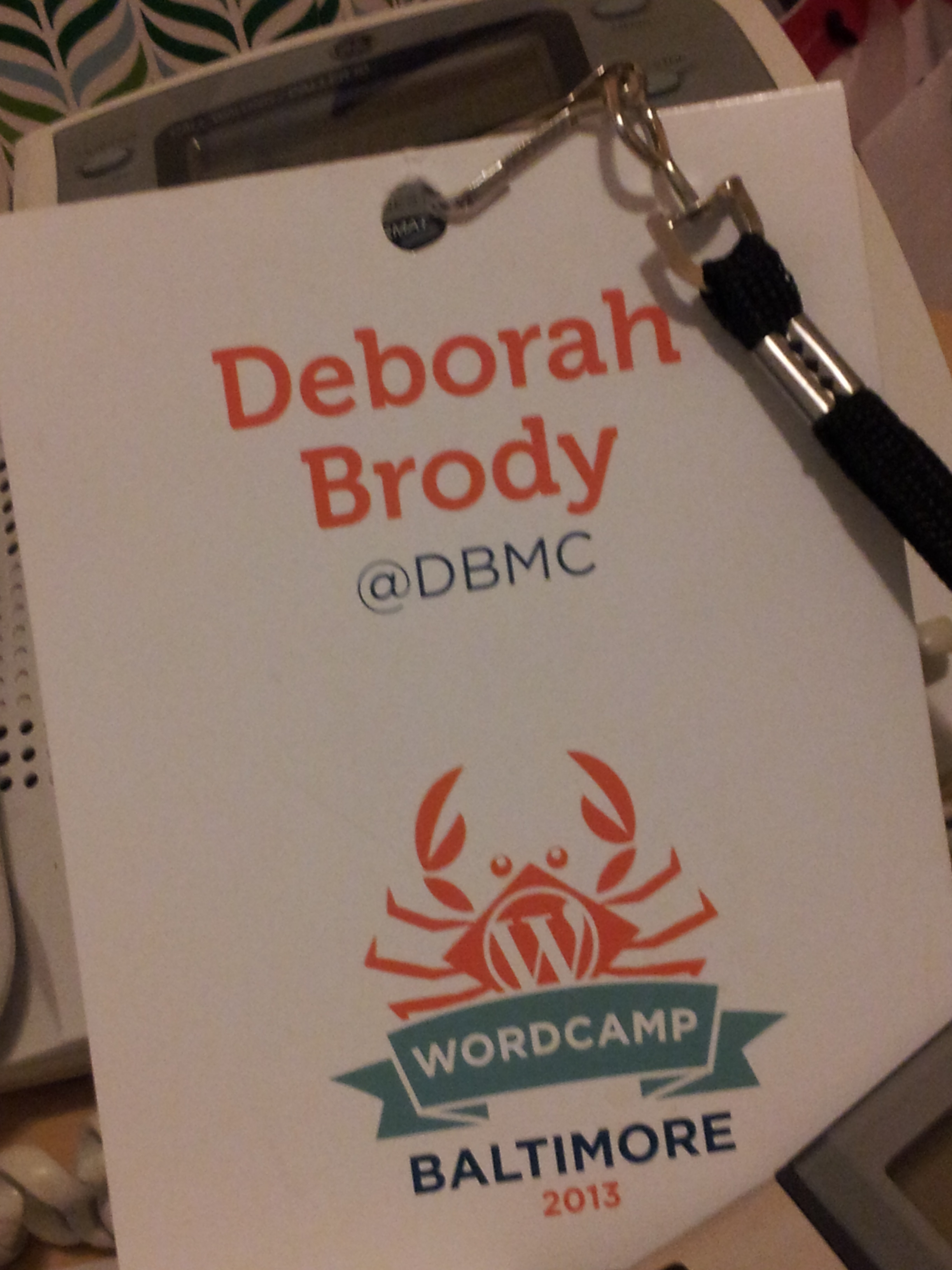


Top blogging lessons from WordPress Camp Baltimore 2013

What did I do this past Saturday? I attended WordPress Camp Baltimore for the second time.  I think that if you blog regularly and/or help people set up blogs, you should most definitely attend  this volunteer-run event, available worldwide probably at a city near you. It is well worth the low cost of admission. If you want to find one near you, check out the WordPress camp site.

Wordpress Camp Baltimore 2013
WordPress Camp Baltimore 2013

I attended five sessions out of the total of 15. There were two tracks: one directed to the developers and one to users.  Obviously, what I learned would be more useful to a user than a developer.

Social media must be integrated into both your actual blog and your blog’s strategy

  • Google + indexes faster, so consider setting up your Google + authorship description
  • You need both inbound and outbound social media plugins
  • Check out the Tweet Old Post plugin to be able to use your older blog posts
  • Be careful with sending people to social networks–the last thing you want to do is lead someone away from your site.

 SEO keeps changing but there are several things you can do to keep your site visible

  • Use the WordPress SEO by Yoast plugin–highly recommended by tons of people
  • Name all your images
  • Do not ever write “click here.” Write a description.
  • Organize your content well–Google likes organized websites–using headings, etc.
  • Optimize your site so users like it
  • Include rich content–pics, graphs, videos
  • Watch your page speed (you may need to cache you website using plugins like WP Super Cache)
  • Install and submit a site map using the Google XML Sitemap plugin

Producing your own podcast is not that hard

  • What you need to produce a podcast is: a blog, hosting that provides enough bandwidth, artwork/branding materials and a podcast feed. You will also need a microphone and a way to edit your audio.
  • Use editors like Audacity.
  • Look into podcasting plugins like PodPress and PowerPress

Blogs and WordPress sites make content marketing easier

  • Content marketing’s purpose is to drive profitable (however you define it) customer action.
  • Content marketing is about providing relevant, valuable (educational) and enjoyable material for your audience/user
  • Remember that customers care about themselves not you
  • Keyword research is key (you must know what keywords your customers would use to find your service/product)
  • When you provide valuable content, the reader/user is bound by the need to reciprocate since humans have  a deep seated need to return favors.
  • Remember that information that is exclusive is more persuasive (this is only available for a limited time)
  • Humans are more receptive to requests from people who appear to be authorities or experts.
  • Read Influence: The Psychology of Persuasion by Robert Cialdini

Thanks to the following presenters:

  • AkilahThompkins-Robinson
  • Byron Warnken
  • Arsham and Josh from Webmechanix
  • Douglas Bell
  • Shane Powers


Self-monitor or ….

Do you follow yourself? It’s not easy to do, but it’s essential. You should be monitoring your external communications efforts or else, you just won’t know what is going on.

I have followed my own blog (first on Google Reader, and now on Feedly, though that may change) for years. Why? Because I want to see how other people see my blog. I want to make sure it is showing up and how it appears when it does. This is how I knew there was a problem with Feedly and my blog feed (detailed in this post–read the comments please). I subscribe to my blog via email too, to make sure Feedburner is operating as it should.

When I send out email campaigns, I send it to two different emails of mine (one is Gmail and the other I monitor via Outlook). Again, I want to make sure everything looks OK. I try to check them on my smartphone too.

Although you can’t monitor for every iteration (for example, I don’t own an iPad or Apple anything), you need to know how your communications are showing up in different environments, as best as possible. Perhaps you can recruit some volunteers to check for you (trusted friends or colleagues who don’t mind giving you a had). Imagine that you are not optimizing your email for smartphones, and most of your audience reads it on that platform. If you don’t know you aren’t optimized,  you can’t address it.

Too many marketers (agencies included) don’t bother to monitor their own communications. There’s a rather prominent PR agency whose blog is a disaster, but apparently, no one has thought to check it as an outside reader, or follow it or even try to share it on social media. Then there are the countless email marketing messages that are not only not optimized for mobile or for social sharing, but that are RIFE with mistakes (grammar, spelling, content).

You must monitor yourself or direct others to monitor on your behalf. If not, you risk not knowing how people actually see you.

Are you monitoring your communications? If so, how do you do it? If not, what are you waiting for?


Before you send that email…

In the past day alone, I have received four marketing/communications emails that are indicative of a huge amount of carelessness or ignorance or both. In each case, spending a bit more time checking the following would result in a more effective email.

Check you spelling without depending on spell check

“Your invited to join us” was in the subject line of one email and in the the body of another.  Depending on spell check without actually reading your email will let this type of ignorant email go through.  In case you’re wondering what is wrong with that line, please read this sentence.

Check dates carefully

I got an invitation for an event taking place on Monday, September 20th. Except that September 20th is a Friday. And it turns out the event is actually on Monday, September 16th.

Be careful with automated replies

As you read yesterday, this blog’s feed was not appearing in Feedly. I wrote Feedly and I got an automated response (I didn’t realize it was automated at the time) telling me that it was due to a capacity issue. Feedly’s Twitter person told me this:

it is not a capacity issue. That is an old automated email. I have asked our dev lead to look into this. Expect and answer today. -Ed

I realize that sometimes it’s necessary for customer service to send an automated response due to volume or because of the need to acknowledge communication. But, email communications should not be misleading or just plain wrong.

The bottom line is check and then check again!

Email marketing may be very effective, but if you send out the wrong information, with incorrect spelling or grammar, you will not only not achieve your communications goals, you will appear ignorant and/or careless.


You may not see this post

Google’s decision to kill Google Reader has impacted more than our ability to have all our blog feeds in one easy-to-access place, it has impacted many blogs and their ability to be read at all. You see, Google did not give anybody a real alternative to Reader. Some jumped in, like Feedly, making it easy to transfer your feeds to their readers. For some users of Google Reader, it was hard to decide which of the many alternatives out there to use, so they didn’t transfer their feeds, and now, that ability is lost.

In the past few weeks, I started to notice that this blog’s feed was taking several days to update on Feedly (which is the alternative I chose). Then, the last two or three posts NEVER updated at all. I wrote to Feedly this morning, and their customer service rep told me that it is a capacity issue on which they are working. In the meantime, people who are looking for this blog on Feedly think I haven’t written anything in two weeks. And you may not even see this post.

The demise of Google Reader may turn out to be a disaster for many smaller blogs like this. Unless Feedly steps up, and all readers out there have the capacity that Google offered, blogs will be affected. Once you aren’t present, you disappear from people’s minds. With the plethora of blogs and other content available, the competition is intense. To have cut through the clutter and made it on to people’s Google Reader only to be demolished by an nonexistent “transition” is not only a real shame but could be a destroyer of business.

I am not sure what to do. I will continue posting my content to Twitter, LinkedIn and Facebook as appropriate, and people are free to subscribe via email (and that updates instantly as the post is published).

If you are reading this post, what do you suggest?